

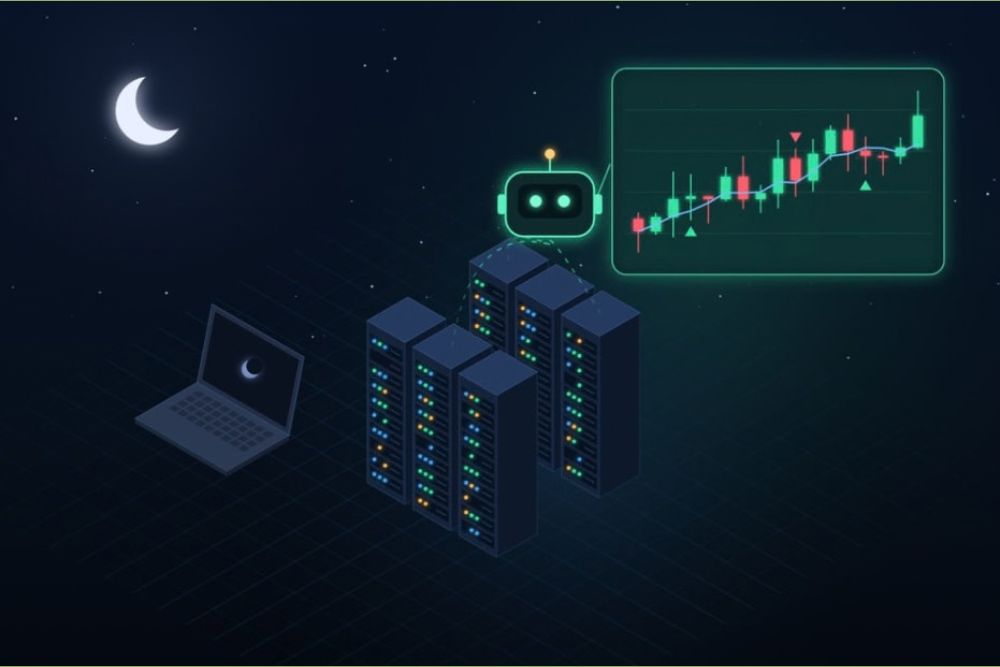
Crypto markets never close. XRP, Bitcoin and every other major coin trade around the clock, seven days a week, and a sharp move can arrive at 3 a.m. on a Sunday as easily as at noon on a Tuesday. Nobody can watch every candle, so plenty of traders hand part of the job to a crypto trading bot: a program that buys and sells by rules set in advance, such as a grid between two prices, a dollar-cost averaging schedule or a simple alert when XRP crosses a chosen level.
Beginners soon discover the catch. A bot only works while the computer running it is switched on and connected. Laptops go to sleep, home Wi-Fi drops, and Windows sometimes restarts overnight to install an update. When that happens, the bot sits idle at exactly the moment the market decides to move. This guide explains how traders solve the problem with a VPS, what they run on it, how to keep exchange accounts safe and what it costs.
What a VPS Actually Is
A virtual private server, or VPS, is a slice of a physical machine in a data center, with its own CPU cores, RAM, disk space and IP address. It stays powered on around the clock, and you control it remotely like a second computer that never sleeps.
Plans come in two flavors. A Windows VPS opens as a full desktop through Remote Desktop (RDP), which is built into Windows and available as a free app on Mac, iPhone and Android. A Linux VPS is managed from a command line over SSH, uses fewer resources and suits Python bots packaged with Docker.
What Traders Run on a VPS
The most common choice is an open-source bot. Freqtrade, for example, is a free crypto trading bot written in Python that supports the major exchanges, can be controlled through Telegram or a web interface and includes backtesting tools. Its documentation tells users to start in dry-run mode, which simulates trades without risking real money. That advice applies to any bot.
Other traders use a server as a relay for alerts. TradingView alerts can call a webhook, so a small script on the VPS can receive the signal, place an order through an exchange API or forward a message to a phone. Because the script lives on the server, it keeps listening when the trader’s own computer is off.
XRP holders have a few extra options. The XRP Ledger has official client libraries for Python and JavaScript, called xrpl-py and xrpl.js, which let a short script watch an account for incoming payments or follow the order books of the ledger’s built-in decentralized exchange. A watcher like this needs very little power, but it does need a machine that stays online.
Some traders simply keep their desktop tools on a Windows VPS, such as charting software or MetaTrader 5 for brokers that offer crypto contracts, so the same workspace opens from a laptop at home or a phone on the road.
Keep Your Keys Off the Server
A machine that is always online can also be attacked at any hour, so security deserves more attention than raw speed. A few rules cover most of the risk:
- Never store a seed phrase or private key on a VPS. If a bot needs an on-chain wallet, give it a separate hot wallet that only ever holds a small working balance.
- Create API keys with trading rights only. A key used by a bot should never be allowed to withdraw funds.
- Lock each key to the server’s IP address. Most large exchanges let users restrict an API key to a list of addresses. A VPS with a stable IP makes this practical, because a home connection’s address can change without warning.
- Protect the server itself. Choose a long, unique password, or SSH keys on Linux, turn on two-factor authentication for the exchange account and apply system updates regularly.
If the server is ever compromised, a trade-only key cannot be used to withdraw funds, and a seed phrase that was never stored there cannot leak.
How Much Server Does a Bot Need?
Less than many beginners expect. Freqtrade’s own documentation recommends a Linux instance with at least 2 GB of RAM, 1 GB of free disk and two virtual CPUs. Requirements grow when several bots run side by side, when a Windows desktop keeps charting apps open, or during backtesting and strategy optimization, which can keep processor cores busy for hours.
Latency also matters less than marketing suggests for most retail strategies. A grid bot or a weekly DCA plan will not notice a few milliseconds. Speed and server location start to count in arbitrage and market making, where many bots compete for the same price, and those strategies carry their own risks for newcomers.
Paying for the Server With Crypto
Many cloud platforms ask for a credit card, and sometimes an identity check, before anything can be deployed. For traders whose working capital already sits in crypto, paying for hosting the same way is simpler, and several providers now accept it.
rdp.monster is one of the hosts built around that idea. Signing up requires nothing more than an email address, the checkout takes ten or more cryptocurrencies, among them Bitcoin, Ethereum, USDT on several networks, Litecoin, Monero and XRP, and new servers are handed over roughly 10 seconds after the payment clears. The company also sells a VPS for trading bots, with Windows or Linux, full administrator access and a stable IPv4 address, which suits the IP restriction described above.
Prices start at $8.99 a month for a Windows plan with two dedicated CPU cores, 6 GB of RAM and 40 GB of NVMe storage, enough for a few lightweight bots and a browser. High Performance plans use AMD Ryzen 9 7950X CPUs and start at $13.99 a month for heavier backtesting, and the company has frozen its prices until December 31, 2027. The coins and networks it accepts are listed on its crypto VPS plans page.
A Simple Setup Checklist
- Choose Windows if you rely on desktop apps, and Linux if your bot runs from the command line.
- Connect with Remote Desktop or SSH and change the default password right away.
- Install the bot and run it in dry-run or paper mode for at least a few days.
- Create a trade-only API key restricted to the server’s IP address.
- Set up Telegram or email alerts so you know when the bot trades, throws an error or stops.
- Check the server once a week: system updates, free disk space and bot logs.
- Go live with an amount you can afford to lose, then scale up slowly.
Frequently Asked Questions
Is XRP accepted as payment for a VPS?
Some hosting providers take it. rdp.monster lists XRP among its accepted coins, next to Bitcoin, USDT, Ethereum, Litecoin and Monero, and switches the server on as soon as the transaction confirms.
Can a crypto trading bot run on a cheap VPS?
Yes. Freqtrade asks for 2 GB of RAM and two virtual CPUs, so an entry-level plan usually covers a single bot. More memory and faster cores help when several bots share the machine or when you backtest on it.
Final Thoughts
A VPS solves one problem: it keeps a bot online while its owner is asleep, traveling or away from the desk. It does not make a strategy profitable. A bot that loses money on a laptop will lose it just as reliably on a server, so the order of work matters: test in dry-run, lock down the keys, start small and only then think about scaling up. Handled that way, a modest server is one of the cheaper upgrades an active trader can make, and the next big XRP move will not be missed because a laptop lid was closed.
Disclaimer: This is a sponsored press release for informational purposes only. It does not reflect the views of Times Tabloid, nor is it intended for legal, tax, investment, or financial advice. Times Tabloid is not responsible for any financial losses.

